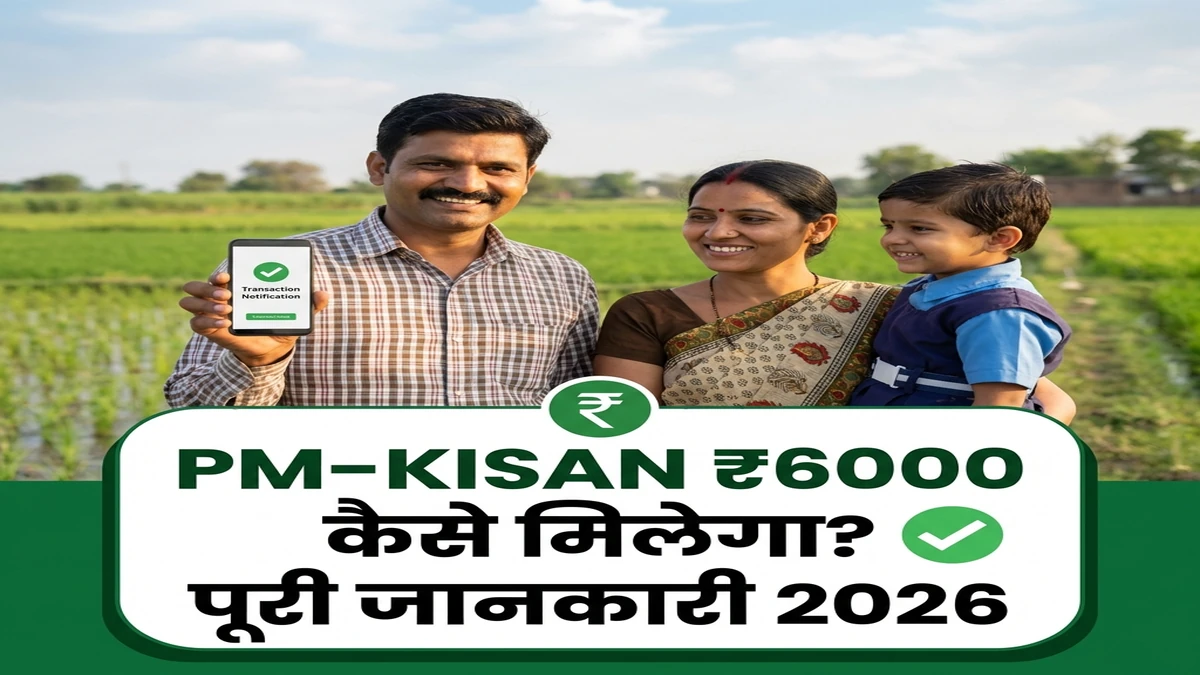
📌 Quick Summary
PM-KISAN scheme के तहत सभी eligible landholding farmers को ₹6,000/year की income support मिलती है। यह article बताता है कि गन्ना किसान कैसे apply करें, status check करें, और पैसा कैसे मिलेगा।
- ⏱️ Reading Time: 10-12 minutes
- 💰 Benefit: ₹6,000/year (3 installments of ₹2,000)
- 📅 Updated: 3 February 2026
🎯 PM-KISAN Scheme क्या है?
Pradhan Mantri Kisan Samman Nidhi (PM-KISAN) भारत सरकार की एक flagship scheme है जो सभी landholding farmer families को financial assistance provide करती है। February 2019 में शुरू हुई यह योजना Direct Benefit Transfer (DBT) के through farmers की income में सुधार करती है।
Scheme के Main Features:
- 💰 Annual Amount: ₹6,000 per family
- 📅 Installments: 3 installments of ₹2,000 each (every 4 months)
- 🏦 Transfer Mode: Direct Bank Transfer (DBT)
- 🌾 Eligible Crops: All crops including sugarcane
- 📊 No Land Limit: Small, marginal, और large farmers सभी eligible
- 🆓 Free Service: कोई application fees नहीं
गन्ना किसान 100% eligible हैं! बस land ownership documents होने चाहिए। अब तक 12 crore+ farmers को benefit मिल चुका है।
📋 Eligibility Criteria – कौन apply कर सकता है?
| ✅ Eligible | ❌ Not Eligible |
|---|---|
| All landholding farmer families | Retired govt employees (pension > ₹10,000/month) |
| गन्ना, धान, wheat सभी crops | Current central/state govt employees |
| Small, marginal, और large farmers | Income tax payers (previous assessment year) |
| BPL और APL दोनों categories | Institutional landholders |
| Women farmers (named in land records) | Professionals (doctors, lawyers, CAs) |
📝 Registration Process – Step by Step
Method 1: Online Registration (खुद से)
Step 1: Website पर जाएं
- 🌐 Visit: pmkisan.gov.in
- या Google में search: “PM-KISAN official portal”
Step 2: “Farmers Corner” में जाएं
- Homepage पर right side में “Farmers Corner” section
- “New Farmer Registration” option पर click करें
Step 3: Registration Type चुनें
- Rural Farmer या Urban Farmer select करें
- आमतौर पर गन्ना किसान = Rural
Step 4: Aadhaar Number Enter करें
- 12-digit Aadhaar number carefully type करें
- Captcha code fill करें
- “Send OTP” button click करें
Step 5: OTP Verify करें
- Mobile पर आए 6-digit OTP enter करें
- Submit करें
Step 6: Personal Details Fill करें
- Name (Aadhaar के according)
- Father’s name
- Date of birth
- Gender, Category (SC/ST/OBC/General)
- Mobile number
Step 7: Bank Details Add करें
- Bank name
- Branch name
- Account number (2 बार enter करें verification के लिए)
- IFSC code
- Important: Account Aadhaar से linked होना चाहिए!
Step 8: Land Details Enter करें
- State, District, Sub-district, Village
- Khata number / Survey number
- Khasra number
- Land area (hectares में)
Step 9: Documents Upload करें
- Land ownership documents (scan copy)
- Bank passbook first page (optional but recommended)
Step 10: Final Submit
- सभी details review करें
- “Submit” button click करें
- Registration number note कर लें (future reference के लिए)
📄 Required Documents Checklist
| Document | Purpose | Mandatory? |
|---|---|---|
| Aadhaar Card | Identity proof + eKYC | ✅ हां (100%) |
| Bank Account Passbook | Direct transfer के लिए | ✅ हां |
| Land Records (Khatauni) | Land ownership proof | ✅ हां |
| Mobile Number | OTP & notifications | ✅ हां (active) |
| Passport Size Photo | Profile (CSC में) | ❌ Optional |
🔍 Status Check कैसे करें?
Registration के बाद status check करना बहुत आसान है:
🖥️ Online Status Check:
- Visit: pmkisan.gov.in
- Click “Farmers Corner” → “Beneficiary Status”
- Enter Aadhaar number या Mobile number या Registration number
- Captcha fill करें
- “Get Data” click करें
आपको यह information मिलेगी:
- ✅ Registration status (Approved/Pending/Rejected)
- ✅ सभी 3 installments का status
- ✅ Payment dates
- ✅ Amount credited
- ✅ Bank account details (last 4 digits)
- ✅ Rejection reason (if any)
💸 Payment Schedule 2026
| Installment | Period | Amount | Expected Release |
|---|---|---|---|
| 1st Installment | Dec-March | ₹2,000 | Feb/Mar 2026 |
| 2nd Installment | April-July | ₹2,000 | Jun/Jul 2026 |
| 3rd Installment | Aug-Nov | ₹2,000 | Oct/Nov 2026 |
| TOTAL YEARLY | ₹6,000 | ||
❌ Common Problems और Solutions
Problem 1: “Aadhaar not seeded with bank account” Error
Solution:
- ✅ अपने bank branch में जाएं
- ✅ Aadhaar linking form fill करें
- ✅ या SMS करें:
UID<space>12-digit Aadhaar<space>Account Numbersend to bank’s number - ✅ 2-3 दिन में link हो जाएगा
- ✅ Confirm: Call 18001801947 (NPCI helpline)
Problem 2: “Land records not matching” – Registration Rejected
Solution:
- ✅ Tehsil/Patwari से updated land records लें
- ✅ Name spelling exactly match होना चाहिए (Aadhaar = Land records)
- ✅ अगर land किसी और के name पर है, तो mutation करवाएं
- ✅ Village/District codes carefully verify करें
- ✅ Lekhpal/क्षेत्रपाल की help लें correction के लिए
Problem 3: “eKYC Pending” – Payment Stuck
Solution:
- ✅ pmkisan.gov.in पर login करें
- ✅ “eKYC” option में जाएं
- ✅ OTP-based eKYC complete करें (2 minutes में)
- ✅ या CSC/lekhpal के through biometric eKYC करवाएं
- ✅ eKYC के बिना payment नहीं मिलता!
Problem 4: “Installment credited but not in bank” – FTO Generated
Solution:
- ✅ FTO (Fund Transfer Order) generate होने में 2-7 days लगते हैं
- ✅ Bank account active होना चाहिए (dormant नहीं)
- ✅ IFSC code correct check करें
- ✅ Bank से confirm करें account में कोई freeze/hold तो नहीं
- ✅ अगर 10 दिन से ज्यादा हो गया, तो bank manager को complaint करें
📞 Important Helpline Numbers & Links
| Service | Contact | Timing |
|---|---|---|
| PM-KISAN Helpdesk | 📞 011-24300606 | 9 AM – 6 PM (Mon-Fri) |
| Toll-free Number | 📞 155261 / 1800-180-1111 | 24×7 |
| Email Support | 📧 pmkisan-ict@gov.in | Response in 48 hours |
| Official Website | 🌐 pmkisan.gov.in | 24×7 |
| Kisan Call Center | 📞 1800-180-1551 | 6 AM – 10 PM |
🎯 Quick Tips for Faster Approval
✅ 7 Golden Rules:
- Aadhaar-Bank Link: पहले से link कर लें (registration से पहले)
- Correct Details: Name spelling exactly Aadhaar और land records के according
- Active Mobile: OTP receive होने वाला number use करें
- Updated Land Records: Mutation complete होना चाहिए
- eKYC तुरंत: Registration के बाद same day eKYC complete करें
- Bank Account Active: Last 6 months में कोई transaction होना चाहिए
- Regular Check: महीने में एक बार status check करें
❓ FAQs – Frequently Asked Questions
Q1: क्या गन्ना किसान eligible हैं PM-KISAN के लिए?
Ans: हां, 100%! गन्ना किसान fully eligible हैं। बस land ownership documents और Aadhaar चाहिए। Crop type से कोई फर्क नहीं पड़ता।
Q2: पहली installment आने में कितना time लगता है?
Ans: अगर सभी documents correct हैं और eKYC complete है, तो 30-45 days में पहली installment आ जाती है। लेकिन यह next installment cycle पर depend करता है।
Q3: अगर land joint ownership में है तो?
Ans: Joint ownership में only one member register कर सकता है per family। पहले decide कर लें किसके name से registration होगा, फिर उसी person के Aadhaar और bank details use करें।
Q4: Bank account बदलना चाहते हैं, कैसे update करें?
Ans: pmkisan.gov.in पर login करें → “Edit Aadhaar Details” → Bank details update करें। या फिर lekhpal/CSC के through correction form submit करें। नया account भी Aadhaar-linked होना चाहिए।
Q5: क्या छोटी land पर भी benefit मिलता है?
Ans: हां! कोई minimum land requirement नहीं है। भले ही 0.5 acre land हो, फिर भी ₹6,000 full amount मिलेगा। Land size से कोई फर्क नहीं पड़ता।
💬 अपना Experience Share करें!
क्या आपने PM-KISAN के लिए apply किया है? कोई problem आई या successfully मिल गया पैसा? नीचे comment में बताएं – हम 24 घंटे में reply करेंगे! 🙏
इस guide को अपने किसान भाइयों के साथ WhatsApp groups में जरूर share करें!
✍️ Written by: Amit Kumar (Agricultural Expert)
📅 Published: 3 February 2026
📅 Last Updated: 3 February 2026
📊 Reading Time: 10-12 minutes
🔔 Bookmark करें: PM-KISAN updates regularly check करने के लिए!
Tags: #PMKISAN #₹6000योजना #किसानसम्माननिधि #DirectBenefitTransfer #GannaKisan #FarmerScheme2026

आमिर रज़ा पिछले 4 वर्षों से CaneUP.xyz वेबसाइट का संचालन कर रहे हैं।
वे गन्ना किसानों से जुड़े विषयों जैसे भुगतान, रिकॉर्ड, पोर्टल अपडेट और खेती से संबंधित जानकारी को सरल भाषा में किसानों तक पहुंचाने का काम कर रहे हैं।
अब तक 50 लाख से ज्यादा किसान CaneUP.xyz के माध्यम से सही और भरोसेमंद जानकारी प्राप्त कर चुके हैं।
लेखक का उद्देश्य किसानों तक समय पर, स्पष्ट और उपयोगी जानकारी पहुंचाना है, ताकि वे सही निर्णय ले सकें और किसी भी तरह की अफवाह से बच सकें।